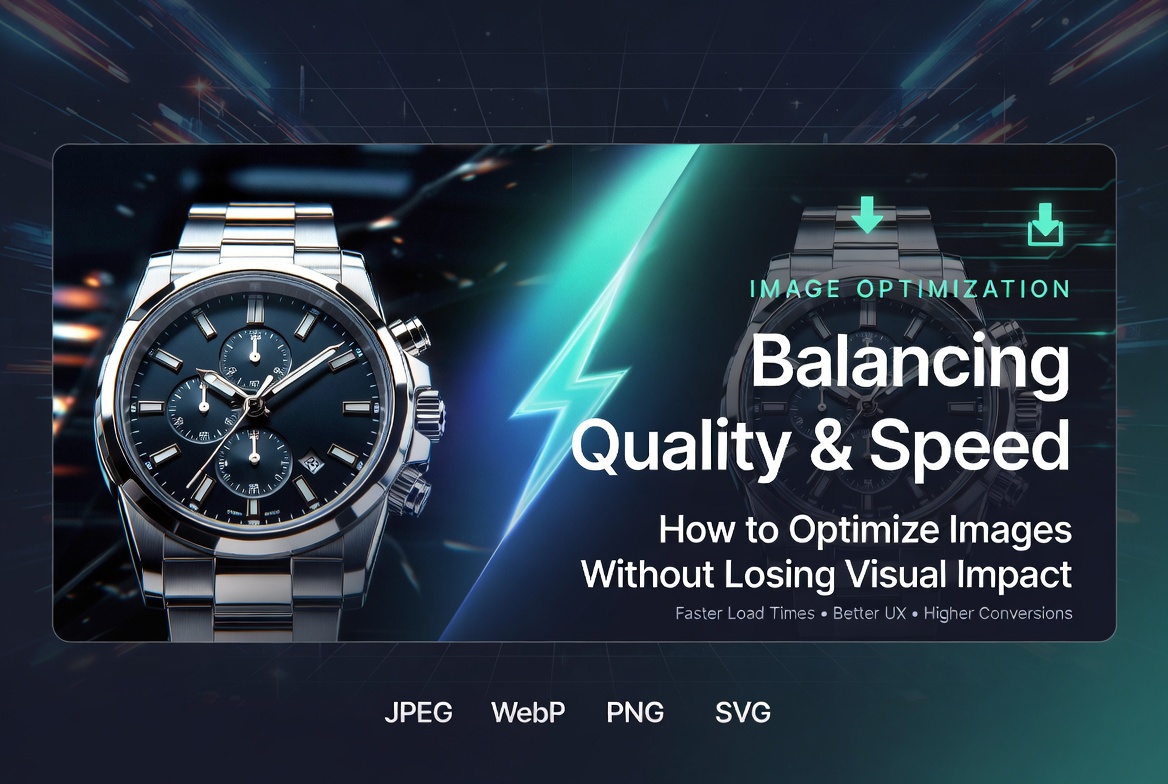
In today’s fast-paced digital landscape, image optimization plays a critical role in delivering seamless user experiences. Whether browsing an online store, reading a blog, or exploring a corporate website, users expect pages to load instantly. However, high-quality visuals—while essential—can often slow down performance if not properly optimized.
This challenge is especially relevant for industries that rely heavily on visuals, such as ecommerce, media, and corporate branding. Businesses investing in Ecommerce Product Photography or professional visuals understand the importance of clarity and appeal, but must also ensure their images don’t negatively impact website speed.
Slow-loading images can lead to higher bounce rates, reduced engagement, and lost conversions. For businesses offering product photography in Karachi, maintaining a balance between stunning visuals and fast performance is essential to staying competitive.
The real challenge lies in finding the perfect balance between image quality and load times. Optimized images must retain visual impact while being lightweight enough to load quickly across all devices and network conditions.
Why Image Optimization Matters
Image optimization is not just a technical task—it directly affects how users interact with your website. Page load speed is a crucial factor in determining user experience, and images often make up the largest portion of a webpage’s total size.
When images are not optimized, they can significantly slow down load times. This leads to poor user experience, increased bounce rates, and lower search engine rankings.
Search engines prioritize fast-loading websites, meaning poorly optimized images can harm your SEO performance. On the other hand, optimized visuals help improve rankings and visibility.
At the same time, high-quality visuals—especially in Ecommerce Product Photography—play a vital role in influencing customer decisions. Clear, detailed images build trust and help users feel confident about their purchases.
There’s a direct connection between visual quality and credibility. A website with blurry or poorly compressed images appears unprofessional, while sharp and well-optimized visuals enhance brand perception and user trust.
Understanding Image File Sizes and Formats
To optimize images effectively, it’s important to understand the different file formats and how they impact quality and performance.
JPEG (JPG)
Ideal for photography-heavy content, JPEG files offer good compression while maintaining acceptable quality. This format is commonly used in product photography services in Karachi, where visual detail is important but file size must remain manageable.
PNG
PNG files support transparency and are best suited for graphics, logos, and UI elements. However, they tend to have larger file sizes compared to JPEG.
WebP
A modern format designed for web optimization, WebP provides superior compression while maintaining high quality. It is increasingly becoming the preferred choice for websites focused on speed.
SVG
SVG files are vector-based, meaning they scale without losing quality. They are ideal for icons, logos, and simple graphics.
Each format has its strengths, and choosing the right one depends on the use case:
- Use JPEG or WebP for product photography services in Karachi
- Use PNG for detailed graphics requiring transparency
- Use SVG for UI elements and icons
Understanding these trade-offs allows businesses to optimize both quality and performance effectively.
The Balance Between Quality and Performance
Image quality is defined by factors such as resolution, sharpness, color accuracy, and clarity. While high-resolution images look impressive, they also increase file size, which can slow down loading times.
On the other hand, performance depends on factors like file size, compression level, and hosting and delivery methods.
The key is finding the “sweet spot”—images that are visually appealing yet lightweight enough to load quickly.
For businesses relying on Ecommerce Product Photography, this balance is crucial. Customers need to see product details clearly, but not at the cost of slow performance.
Marketing visuals, landing pages, and banners must also maintain this balance. Optimized images ensure that users stay engaged without experiencing delays.
Ultimately, the goal is to deliver high-quality visuals that enhance user experience without compromising speed.
Compression Techniques for Faster Loading
Compression is one of the most effective ways to reduce image file size without significantly impacting quality.
Lossy Compression
This method reduces file size by removing some image data. While it results in smaller files, excessive compression can lead to visible quality loss.
Lossless Compression
This method reduces file size without losing any image data. It maintains original quality but offers less size reduction compared to lossy compression.
Both techniques have their place, depending on the use case.
Best Practices for Compression:
- Use lossy compression for large images where slight quality loss is acceptable
- Use lossless compression for graphics and important visuals
- Avoid over-compression, which can degrade image quality
- Maintain consistency across all visuals
In workflows involving product photography in Karachi, compression is essential to ensure fast loading without compromising visual appeal. Many professionals use a combination of manual tools and automated plugins to streamline this process.
Image Dimensions and Responsive Design
Another critical aspect of optimization is resizing images correctly. Uploading oversized images and scaling them down via CSS wastes bandwidth and slows down performance.
Instead, images should be resized to match their display dimensions.
Responsive design takes this a step further by delivering different image sizes based on the user’s device:
- Smaller images for mobile devices
- Medium-sized images for tablets
- High-resolution images for desktops
Using techniques like srcset and adaptive image delivery ensures that users receive the most appropriate version of an image.
Benefits include:
- Faster load times
- Reduced data usage
- Improved user experience
For businesses showcasing Ecommerce Product Photography, responsive images ensure that visuals look great on all devices without slowing down the site.
Lazy Loading and CDN Delivery
Lazy loading is a technique where images are loaded only when they appear in the user’s viewport. This reduces initial page load time and improves performance.
Instead of loading all images at once, the website loads them as the user scrolls. This is especially useful for image-heavy pages.
Content Delivery Networks (CDNs) further enhance performance by distributing images across multiple servers worldwide. This ensures faster delivery based on the user’s geographic location.
For businesses targeting global audiences, CDNs provide faster loading speeds, reduced server load, and improved reliability.
Together, lazy loading and CDNs significantly enhance website performance, especially for high-traffic platforms.
Role of Modern Visual Solutions
As digital experiences evolve, businesses are exploring advanced visual solutions beyond traditional photography.
One such innovation is 3d Product Rendering, which allows brands to create highly detailed and customizable visuals without physical photoshoots.
Product rendering services offer several advantages:
- Greater flexibility in design and updates
- Ability to showcase complex product features
- Consistent visual quality across all platforms
In some cases, 3d Product Rendering can even be more lightweight than high-resolution images, making it a performance-friendly option.
However, both photography and rendering have their place:
- Use photography for authenticity and real-world representation
- Use rendering for flexibility and complex visualizations
By combining both approaches, businesses can create engaging, optimized content that supports both performance and branding goals.
Best Practices for Ecommerce and Business Websites
To achieve optimal performance, businesses should follow a set of proven best practices:
- Optimize all Ecommerce Product Photography before uploading
- Use consistent image sizes and formats across the website
- Add descriptive file names and alt text for SEO
- Compress images without sacrificing quality
- Regularly audit website performance
- Ensure compatibility across all devices and browsers
For companies offering Product rendering services, maintaining optimized file sizes and formats is equally important to ensure fast delivery.
Consistency and regular optimization are key to maintaining a high-performing website.
Common Mistakes to Avoid
Many businesses unknowingly make mistakes that negatively impact image performance:
- Uploading high-resolution images without optimization
- Using incorrect file formats
- Ignoring mobile optimization
- Over-compressing images, leading to quality loss
- Failing to test page load times
Avoiding these mistakes can significantly improve both performance and user experience.
Final Thoughts
Balancing image quality and load times is essential for modern websites. Optimized images not only improve performance but also enhance user engagement and drive conversions.
High-quality visuals remain a cornerstone of digital success, especially in industries relying on product photography services in Karachi and visual branding. However, without proper optimization, even the best visuals can become a liability.
By implementing the right strategies—compression, responsive design, lazy loading, and modern formats—businesses can achieve the perfect balance between quality and speed.
Additionally, leveraging advanced solutions like Product rendering services allows brands to stay innovative while maintaining performance efficiency.
In the end, optimized visuals are not just about aesthetics—they are a powerful tool for improving user experience, building trust, and maximizing business growth.