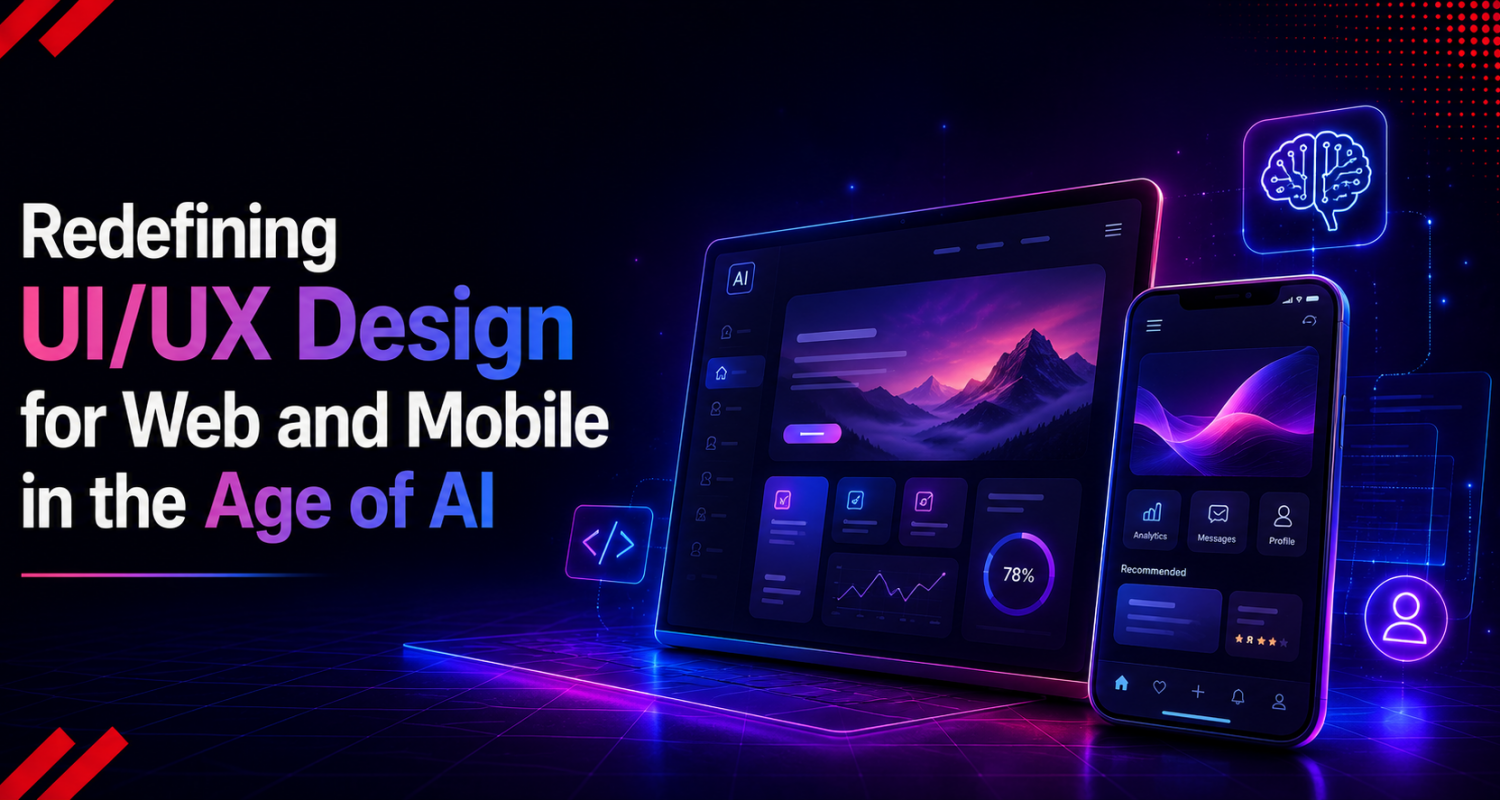
Digital interface design has operated under a highly reliable blueprint for decades. Teams relied on predictable navigation headers, standard grid systems, and pre-baked conversion funnels. But the widespread maturation of machine learning has entirely disrupted these structures. Visual environments are moving away from fixed layouts and morphing into fluid, deeply context-aware experiences that adjust to human intent in real time.
For brands looking to secure a lasting market presence, this shift reshapes how digital products build engagement and protect user retention. Embracing a sophisticated framework for UI/UX design for web and mobile has moved from an experimental luxury to a core requirement for enterprise growth. Beneath the surface, artificial intelligence is quietly phasing out the generic, one-size-fits-all layout, replacing it with a hyper-personalized ecosystem that drives bottom-line value.
In this blog, we discuss how AI-driven innovation is moving UI/UX beyond static interfaces toward intelligent, context-aware, and highly personalized digital experiences.
The Rise of Adaptive Interfaces in the Age of AI
Traditional design models prioritized predictive execution. Product teams spent months mapping out every conceivable user pathway, button click, and modal pop-up before writing a single line of production code. Today, that static approach is obsolete. Modern systems leverage real-time intent recognition to alter both layout mechanics and asset visibility simultaneously.
Intent Detection and Smart Workflows
Instead of forcing an individual to dig through complex, deep-nested navigation menus, intelligent architectures use behavioral modeling to surface exact functions at the precise moment of need. This eliminates unnecessary cognitive steps, heavily reducing the time required to complete high-value actions.
Fluid Visual Hierarchies
Screen structures rearrange their structural components based on a customer’s individual history, real-time location data, or current hardware state.
Frictionless Data Entry
Multi-step registration or checkout forms collapse into single-input fields that anticipate necessary information, dramatically lowering drop-off rates during conversion events.
Context-Driven Micro-Copy
System labels, tooltips, and warning messages update dynamically to match the user’s technical comfort level, reducing initial onboarding friction.
The Emergence of Generative UI
The true vanguard of this transformation lies in the Generative UI. Traditional responsive design simply resizes web grids to fit mobile screens cleanly. Generative UI goes infinitely deeper by utilizing cloud-based rendering engines to construct unique component structures on the fly.
If a user requests a complex multi-metric comparison, the interface does not pull up a standard, rigid dashboard template. Instead, it synthesizes a custom data visualization component specific to that exact prompt. When visual systems adapt this fluidly, digital products experience a substantial spike in user satisfaction, directly impacting long-term customer lifetime value.
Human Craftsmanship Meets Algorithmic Speed
A common misstep among product leaders is assuming that automated design logic strips away unique brand identity, reducing software to robotic layouts. In practice, modern product groups utilize AI UX design tools as powerful operational accelerators. By offloading repetitive, low-leverage production tasks to automated engines, human creative talent can dedicate undivided attention to high-level strategy, experiential architecture, and complex user psychology. Many organizations now rely on professional UI UX design services to integrate AI UX tools without losing strategic design quality.
This clear split in task execution transforms how high-performing teams bring cross-platform products to life:
Instant Design Token Calibration
Implementing sweeping visual branding changes across vast digital properties once consumed weeks of manual CSS tracking. Algorithmic engines now propagate these style changes across global multi-platform component libraries in seconds.
Dynamic Internationalization
Expanding a platform into global markets goes far beyond basic text translation. UI layouts must dynamically expand or contract to respect varying linguistic structures without breaking alignment. Automated validators instantly check layout durability and accessibility compliance across hundreds of viewports.
Synthetic Cohort Simulations
Before running expensive live A/B tests on an active customer base, design systems can run initial layout concepts through simulated user personas. This reveals structural friction points early, ensuring live product launches are backed by rigorous data.
Cross-Platform Engineering: Seamless Desktop Utility to Tactile Mobile Intimacy
Creating a flawless UI/UX design for web and mobile requires deep knowledge of how humans interact with different form factors. Web applications offer the immense pixel real estate required for deep, multi-column information management.
Mobile apps, conversely, require thumb-zone optimization and highly efficient micro-interactions. Artificial intelligence serves as the unseen infrastructure bridging these two distinct canvases.
Edge Computing and Mobile Interfaces
On native mobile applications, factors like battery draw, network drops, and processing throttles dictate product performance. Running lightweight machine learning models locally on device chipsets enables real-time layout shifts without introducing server latency. Visual elements, hit-target sizes, and layout densities adjust instantly based on hand orientation, walking speeds, or changing ambient lighting conditions.
Contextual Workflow Preservation
As users shift their attention from a mobile device to a desktop browser, they expect their active workflow state to remain perfectly intact. Advanced cross-platform architectures leverage unified cloud infrastructure to pass behavioral context seamlessly between devices.
If a user starts an intricate data configuration on a mobile app during a commute, the desktop interface instantly surfaces the exact next logical action when they log in at a workstation, preventing drop-offs.
Quantifying the Value: Operational Speed and Financial Gains
Shifting away from subjective design theory, integrating automated workflows yields immediate, undeniable competitive advantages. When structured properly, compressing development timelines scales up overall team output exponentially.
Independent operational data shows the true scale of this evolution. A rigorous time-and-motion analysis by the Nielsen Norman Group discovered that embedding generative AI tools into standard business tasks increases overall worker productivity by an average of 66%.
The impact is even more disruptive in technical product environments – software engineering teams achieved a staggering 126% boost in weekly coding output when using automated development platforms.
This systematic acceleration does not remove human validation. Instead, it highlights how working with an elite product studio allows organizations to shortcut months of slow, manual iteration. Valuable capital is kept directed toward optimizing proprietary business logic rather than pixel-pushing.
Explainable AI: Building Digital Trust and Control
Automated systems face a massive barrier – user hesitation. When algorithms make recommendations, change layouts, or automate decisions behind the scenes, users often feel confused and suspicious. This lack of transparency leads directly to platform abandonment.
As a result, AI-enhanced digital product design is no longer judged by the complexity of its underlying algorithms, but by its overall visual clarity. By shifting focus to transparency and user control, AI-powered UI/UX design transforms complex algorithmic workflows into intuitive, reassuring experiences.
To build lasting user trust, high-performance systems must integrate clear visual explanations:
Logic Transparency
Display simple, non-intrusive explanations that clarify why a specific recommendation or layout modification occurred.
Confidence Context
Present clear confidence indicators to help users evaluate automated suggestions before taking action.
Sovereign Controls
Provide immediate undo buttons and clear control panels, ensuring users can easily opt out or adjust system preferences.
When a platform explains its actions and keeps the user in control, hesitation vanishes. Trust becomes the foundation for scaling complex products and securing long-term user retention.
Navigating the Pitfalls: Cognitive Burnout, Accessibility, and Ethics
Creating a sophisticated, AI-driven user experience introduces real friction points that require experienced human leadership to successfully navigate. Left unmonitored, automated design systems run the risk of creating detached or frustrating customer touchpoints.
The Trap of “Interface Pollution”
When automated recommendation engines or contextual pop-ups are tuned too aggressively, they trigger intense cognitive fatigue. Users find themselves overwhelmed by constant notifications, shifting components, and unwanted visual clutter. Premium digital experiences demand intense design restraint.
Dynamic elements should only materialize when data confirms they provide immediate utility, preserving a clean, minimalist visual aesthetic.
Protecting Universal Inclusivity
Algorithmic logic is inherently reflective of its training data. If foundational datasets lack comprehensive variance, automated layouts can accidentally introduce subtle barriers for individuals with visual, auditory, or motor differences. Sophisticated product lifecycles build strict human-led verification checks directly into the core QA pipeline to ensure every iteration fully complies with universal accessibility standards.
Core Operating Principle
Automated generation tools excel at handling repetitive layout variants, structural code scaffolding, and asset scaling. However, the final guardrails regarding deep user empathy, brand consistency, and ethical design must always remain anchored by seasoned human design practitioners.
Owning the Future of the Digital Arena
As modern product interfaces shift toward conversational input models and automated agentic flows, the visual environment is undergoing a radical democratization. When any team can deploy basic software to generate a clean, standard web layout, generic visual layouts lose all capacity to differentiate a brand. True industry leadership belongs to companies that view this disruption as a chance to deeply refine the human relationship with software.
Achieving that quality necessitates an analytical approach to behavioral measurements, highly scalable design systems, and exceptional technical discipline. Silently optimizing complicated backend structures, responsive micro interactions, and frictionless user flows guarantees that a product not only looks cutting-edge but also provides the seamless usability that converts casual visitors into lifetime brand advocates.
Conclusion
The future belongs to adaptable, context-aware systems that respect user attention and provide value in real time. Organizations that adopt a structured enterprise UI UX design process are better positioned to deliver scalable, intelligent, and future-ready digital products. Static templates are no longer sufficient to establish client loyalty. Success demands embracing on-demand personalization, functional clarity, and explainable design. Businesses that regard digital platforms as growing strategic systems may transform complicated technology into intuitive experiences that generate long-term commercial success and market dominance.