Businesses today manage multiple operations, including customer relationships, employee activities, financial records, inventory, communication, and project management. Handling these activities through separate tools or manual processes can create unnecessary complexity, increase operational costs, and reduce productivity. As businesses grow, managing these processes becomes even more challenging.
Custom software development provides a practical way to address these challenges by creating digital solutions based on specific business requirements. Instead of adjusting business operations to fit generic software, organizations can implement applications designed around their workflows, objectives, and operational needs.
From automating repetitive tasks to improving data management, custom software can help businesses build more organized, efficient, and scalable operations.
Understanding Custom Software Development
Custom software development is the process of designing, building, testing, and maintaining software applications according to the specific requirements of an organization. Unlike ready-made applications, which offer predefined features for a broad audience, custom solutions are developed to address particular operational challenges.
For example, a logistics company may need a platform to manage shipments, drivers, fleet information, delivery schedules, and customer communication. A healthcare organization may require a system for managing patient records, appointments, staff activities, and administrative workflows.
Rather than using several disconnected applications, businesses can bring essential functions together through a centralized solution.
The development process generally includes requirement analysis, planning, UI/UX design, software development, testing, deployment, and ongoing maintenance. Each stage helps ensure that the final application supports the organization’s actual business processes.
1. Automating Repetitive Business Tasks
Repetitive administrative activities consume valuable employee time. Tasks such as entering customer information, preparing reports, updating records, processing requests, and sending notifications can slow down daily operations.
Custom software helps automate these activities through predefined workflows and business rules.
For example, an organization can implement an automated system that generates invoices after an order is confirmed, sends notifications when a task is assigned, or updates inventory records when products are sold.
Automation offers several operational benefits:
- Reduces manual data entry and repetitive work.
- Minimizes errors caused by human involvement.
- Helps employees complete routine activities faster.
- Improves consistency across business processes.
- Allows teams to focus on more important responsibilities.
By reducing unnecessary manual work, businesses can improve productivity without continuously increasing their administrative workload.
2. Improving Data Management and Accessibility
Businesses generate large amounts of information through customer interactions, transactions, employee activities, sales, and daily operations. When this information is stored across different spreadsheets, applications, and databases, accessing accurate records can become difficult.
Custom software can provide a centralized platform where authorized employees can access relevant business information from one location.
For instance, a customer management system can maintain contact information, communication history, purchase records, service requests, and customer preferences. Similarly, an inventory management platform can display available stock, product movement, supplier details, and order information.
Centralized data management helps organizations:
- Access important information more quickly.
- Reduce duplicate and inconsistent records.
- Improve coordination between departments.
- Maintain organized business documentation.
- Make informed decisions using updated information.
With better access to business data, employees can spend less time searching for information and more time completing their responsibilities.
3. Strengthening Communication Between Departments
Communication gaps can create delays, misunderstandings, and duplicated work. When departments use different tools to manage their activities, sharing information becomes challenging.
Custom business applications can connect different departments through shared dashboards, task management features, internal messaging, and automated notifications.
For example, when a sales representative confirms a customer order, the system can automatically notify the inventory and fulfillment teams. Employees can access the same order details without requesting updates through separate communication channels.
A connected software environment supports:
- Better coordination between departments.
- Faster internal communication.
- Clear task assignments and responsibilities.
- Improved visibility into ongoing activities.
- Reduced delays in approval and decision-making processes.
When employees work with consistent information, businesses can manage daily activities more effectively.
4. Reducing Operational Costs
Managing several software subscriptions, maintaining outdated systems, and handling manual processes can increase business expenses. These costs may become more significant as an organization expands.
Custom software can help businesses identify unnecessary expenses by consolidating essential functions into a single platform.
For example, a business using separate applications for customer management, reporting, employee scheduling, and inventory tracking may benefit from an integrated solution that connects these activities.
Although developing a custom application requires an initial investment, it can provide financial benefits over time through reduced manual work, fewer operational errors, and more efficient resource utilization.
Businesses can also prioritize development features based on their requirements rather than paying for unnecessary functionality included in generic applications.
5. Enhancing Customer Experience
Customer experience plays an important role in business growth and customer retention. Delayed responses, inaccurate information, and complicated service processes can negatively affect customer satisfaction.
Custom software allows organizations to create smoother customer interactions by connecting essential services and automating communication.
For example, businesses can develop customer portals where users can track orders, submit service requests, access documents, manage appointments, and receive updates.
Other useful capabilities include:
- Automated customer notifications.
- Personalized dashboards.
- Online booking and appointment management.
- Customer support request tracking.
- Secure access to relevant account information.
These features help businesses provide more convenient services while reducing the administrative workload associated with customer support.
6. Supporting Better Business Decisions
Making business decisions without reliable information can lead to inefficient resource allocation and missed opportunities. Organizations need accurate insights into their performance to identify problems and plan improvements.
Custom software can include reporting and analytics features that collect relevant operational data and present it through dashboards.
For example, a business management platform may display sales performance, employee productivity, inventory levels, project progress, and customer activity.
Managers can use these insights to identify operational bottlenecks, monitor performance, and understand where improvements are required.
Useful reporting capabilities include:
- Real-time operational dashboards.
- Sales and revenue reports.
- Employee performance tracking.
- Inventory and resource utilization reports.
- Project progress monitoring.
Access to organized business insights makes it easier for management teams to evaluate performance and make decisions based on actual operational information.
7. Integrating Existing Business Systems
Many organizations already use different applications for accounting, customer management, communication, payment processing, and inventory management. Replacing every existing platform may not be practical.
Custom software can integrate with these applications through APIs and other supported integration methods.
For example, an order management platform can connect with payment gateways, accounting software, shipping services, and customer relationship management systems.
This integration reduces the need to enter the same information into multiple applications. It also helps different systems exchange relevant information more efficiently.
Before implementing integrations, businesses should evaluate compatibility, security requirements, data accuracy, and maintenance responsibilities.
A properly integrated environment allows organizations to retain useful existing tools while improving how their systems work together.
8. Building Scalable Business Operations
Business requirements change as organizations expand their customer base, introduce new services, hire employees, or enter additional markets.
A software solution that supports current operations may eventually struggle to handle increased workloads or more complex processes.
Custom software can be designed with scalability in mind. Businesses can introduce additional modules, expand user access, integrate new services, and improve system capabilities as their requirements evolve.
For example, a small business may initially need customer management and invoicing features. As operations grow, it may add inventory management, employee management, analytics, and automated reporting.
This flexibility helps organizations develop their software environment gradually without rebuilding the entire system every time their requirements change.
What Should Businesses Consider Before Investing in Custom Software?
Although custom applications offer several advantages, successful implementation requires proper planning.
Businesses should evaluate their operational requirements before starting development.
Identify business challenges: Understand which processes create delays, increase costs, or require excessive manual work.
Define essential features: Prioritize functionality based on business requirements rather than including every possible feature.
Establish a realistic budget: Consider development, integration, hosting, maintenance, security, and future improvements.
Evaluate security requirements: Implement suitable authentication, access controls, encryption, backups, and data protection measures.
Plan for future growth: Choose an architecture that can accommodate additional users, features, and integrations.
Select an experienced development partner: Look for technical expertise, relevant project experience, transparent communication, and reliable post-launch support.
For organizations exploring regional development partners, a software development company san antonio can be one option to consider when evaluating technical capabilities, project experience, and ongoing development support.
Conclusion
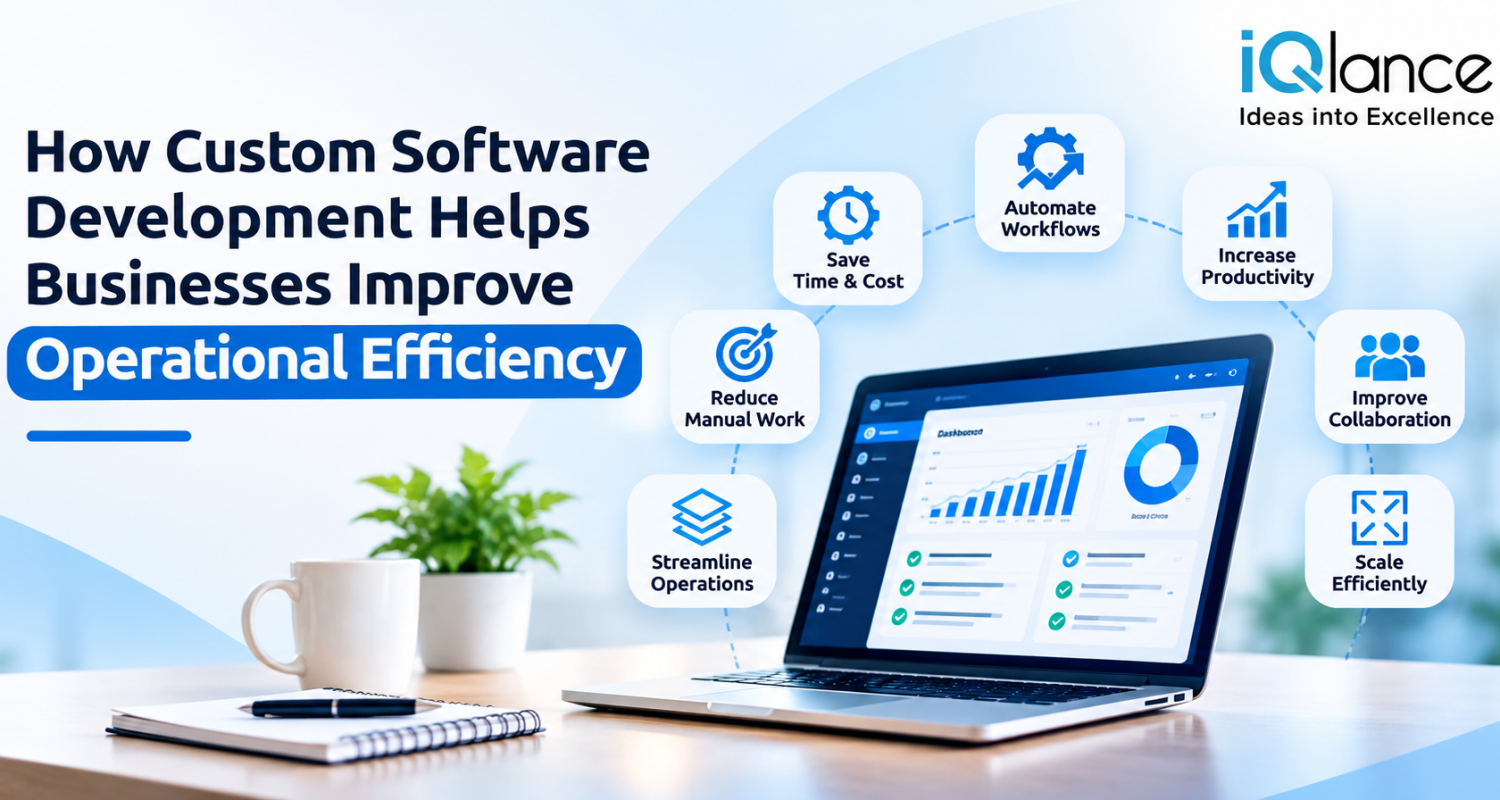
Custom software development can help businesses improve operational efficiency by automating repetitive tasks, centralizing information, connecting departments, reducing unnecessary expenses, and supporting better decision-making.
Its value goes beyond replacing manual processes with digital tools. A well-designed solution creates a connected business environment where employees can access information, coordinate activities, and complete tasks more effectively.
However, achieving these benefits requires a clear understanding of business challenges, careful feature planning, appropriate technology selection, and ongoing system maintenance.
As business requirements continue to evolve, organizations that invest in software aligned with their operational needs can build more flexible workflows, improve productivity, and establish a stronger foundation for sustainable growth.